Why websites are blocking your feed reader

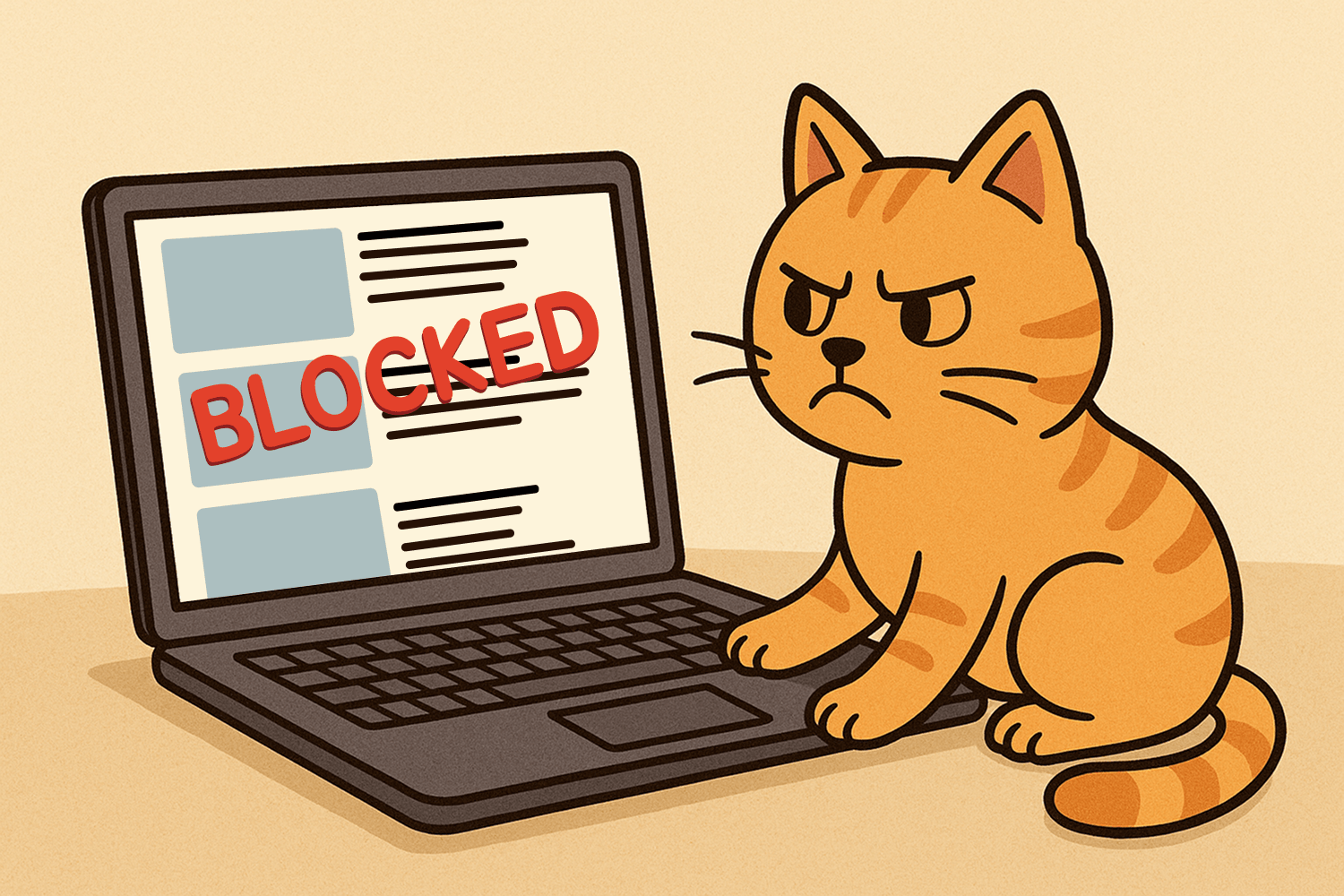
After subscribing to a website in a feed reader, the reader needs to keep constantly checking the website for new content to show you.
But an increasing number of websites are either severely limiting feed reader apps or outright blocking them because they're checking websites for new content way too frequently and often unnecessarily.
Too many requests around the same time from a feed reader can cause a website to use up all of its resources and bandwidth, making it extremely slow for its other visitors. In severe cases, the excessive requests will knock a website completely offline, leaving it unresponsive and inaccessible to its visitors. This is especially the case for smaller websites that aren't run by big companies with big budgets to pay for large servers and unlimited resources.
Feed readers are being blocked with bad bots because that's how they behave
Back before the internet became a battlefield of who can get the most clicks or gobble up the most user data, websites could just exist without being flooded with requests for their content. Now, malicious bots have taken over the internet, hammering websites with tons of requests as they try to suck up every bit of data they can, wherever they can, at any time they want, and as often as they like.
To prevent these nasty bots from taking down their website, website owners are left with no choice but to block them. Unfortunately, the app you're using for your feeds may be behaving just like these malicious data-hungry bots, so it's probably getting blocked too, leaving you with feeds that don't work or that never update.

Excessive feed requests are wasting a website's resources
When a reader checks a website for new content for a feed, the site already has to use its limited resources to process the request and respond to the reader—even if there is no new content. So when many of those feed requests are unnecessary, the website is wasting resources on the reader that could be used to serve content to its other users.
We often see feed readers checking a website every second even though the website only publishes content every few days. Even worse, we've seen a reader make as many as 40 requests every second for content that only changes once a week!
Feed readers don't have to make so many requests
You may not see it in your feed reader, but when it's checking for feed content too often, websites will typically respond by notifying it to reduce the amount of requests. Some websites respond with the specific amount of time to wait before checking the site again. Other sites will just become much slower to respond, indicating to the feed reader that the website is temporarily overwhelmed with requests and to back off for a while.
In these cases, the feed reader should adjust the frequency of its requests based on this information, which would make it a lot less likely the website will block it.
Helping to get blocked feeds working in your feed reader
When feeds are blocked in a feed reader, often its developer isn't aware there's even an issue. To help with this, when an issue with the reader is identified either by our organization or reported by a user, we contact the developer about it and work with them to get it resolved. The issue then gets added to the Issues page.
After navigating to an individual issue, you'll see a running log of our progress as we work with the developer towards a resolution. There's also a feed available that you can subscribe to to follow along. Each log entry includes our communication when reaching out, their responses, and any assistance we may provide them.

If your feed reader is successfully connecting with the service, another way to see its issues is in the Apps section. After navigating to a feed reader's page, you can view all of its recent errors that can cause it to be blocked by websites.

If a developer needs more information on how to resolve issues with their feed reader, we provide a Developer's Guide that offers step-by-step recommendations on how to request feed content without overwhelming websites with too many requests.
Unblocking your feeds is our mission
Open RSS exists to help ditch the cesspool of algorithmic feeds controlled by the companies running the apps and websites we visit. For the sake of humanity and our mental health, their hyper, anxiety-inducing feeds can't continue to trigger, entice, and manipulate us. These feeds must be under our control, and feed readers are critical to making that possible. So we'll continue working through all issues feed readers have until there's a world where we can always rely on the feeds we add to them.